MOSS-Image generation and LoRA training on your own GPU
MOSS-Image is OpenMOSS' 5B open image model. OmniChar runs its 5.4GB int8 ConvRot build as it is, and trains LoRAs on that same file in 6.5GB of VRAM.
Measured in OmniChar on one RTX PRO 4500 (32GB). Your card will differ.
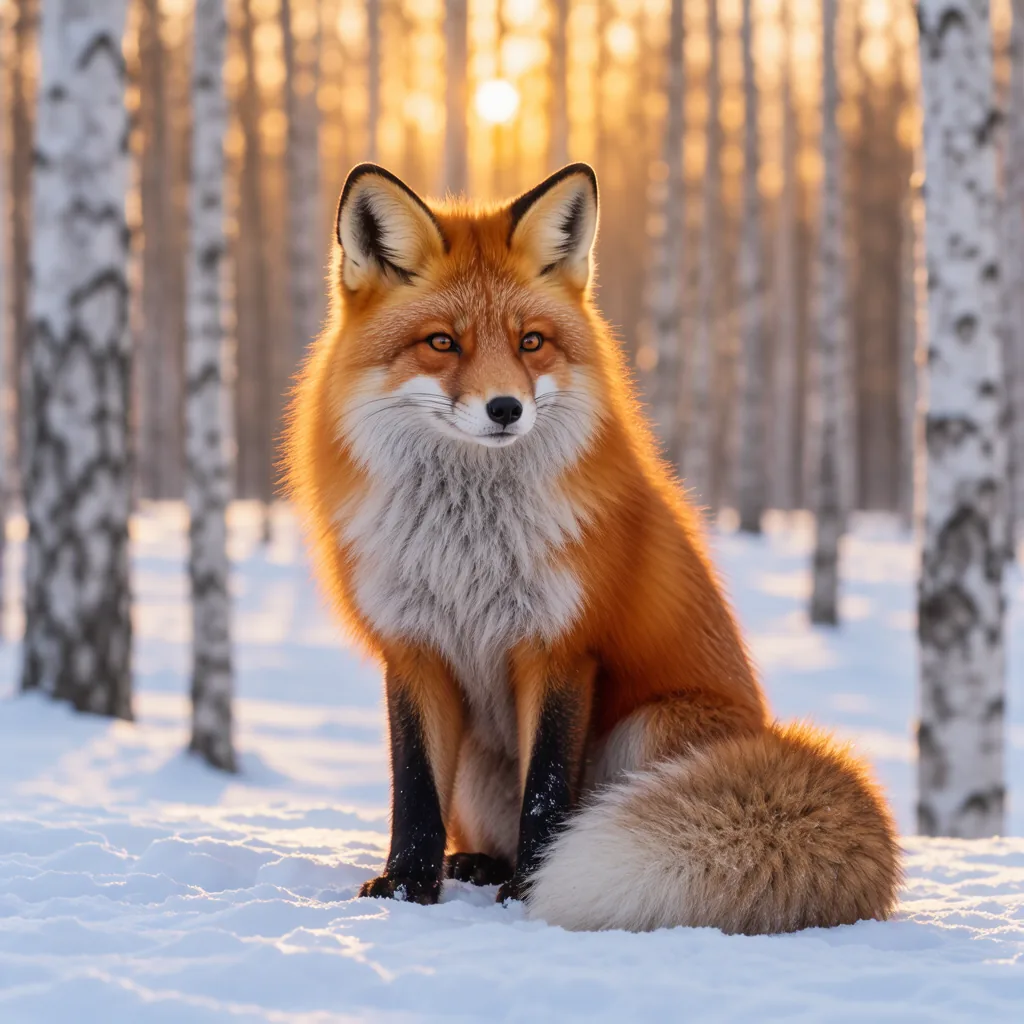
About MOSS-Image
- Model
- 5B single-stream DiT, 42 blocks
- Text encoder
- Qwen3.5-9B
- VAE
- FLUX.2, small decoder
- Licence
- Apache-2.0, weights and code
It has no image input, so it generates from text alone: no img2img and no reference photos. The SFT build is the one to generate with; Base is the pretrain before instruction tuning. See the OpenMOSS repository for the model itself.
Model files
The node's model popup fetches these from Comfy-Org/MOSS-Image into core/models/. Files you already have from ComfyUI load unchanged.
| Folder | File | Size | Notes |
|---|---|---|---|
| diffusion_models/ | moss_image_sft_int8_convrot.safetensors | 5.4GB | The model. The bf16 build (10.2GB) and the Base builds load too. |
| text_encoders/ | qwen3.5_9b_int8_convrot.safetensors | 9.7GB | Qwen3.5-9B. The bf16 encoder loads too; the GPTQ one does not. |
| vae/ | flux2-vae_small.safetensors | 0.25GB | The FLUX.2 VAE with MOSS-Image's smaller decoder. |
Install OmniChar
The app is free and open source. One install covers generation and the trainer.
Full install guide →curl -LsSf https://astral.sh/uv/install.sh | sh
git clone https://github.com/omnichar/OmniChar.git
cd OmniChar/core
./webui.sh --install --extra all
./webui.shGenerate images with MOSS-Image
A single node takes the prompt and returns the image, with the text encoder, VAE and scheduler wired behind it.
- 01
Install OmniChar
Install the app and start it. MOSS-Image runs inside it, with nothing else to set up.
- 02
Add a MOSS-Image node
Drop a MOSS-Image node on the canvas and open its model popup. It downloads the model, the text encoder and the VAE, with progress shown.
- 03
Wire a prompt and run
Connect a prompt and press Run. The node defaults to 30 steps at CFG 3, with OpenMOSS' negative prompt and skip-layer guidance on block 22.
| Setting | Default | Why |
|---|---|---|
| Steps | 30 | OpenMOSS uses 50 on Base and about 25 on SFT. |
| CFG | 3 | The model card's value. 3 to 6 works. |
| Shift | 5 | Where the scheduler spends its steps. |
| Skip-layer guidance | Block 22 | Skipped on the negative pass only, as in the reference pipeline. |
| Size | 256 to 2048px | Any multiple of 16; the node snaps down and saves the size it used. |
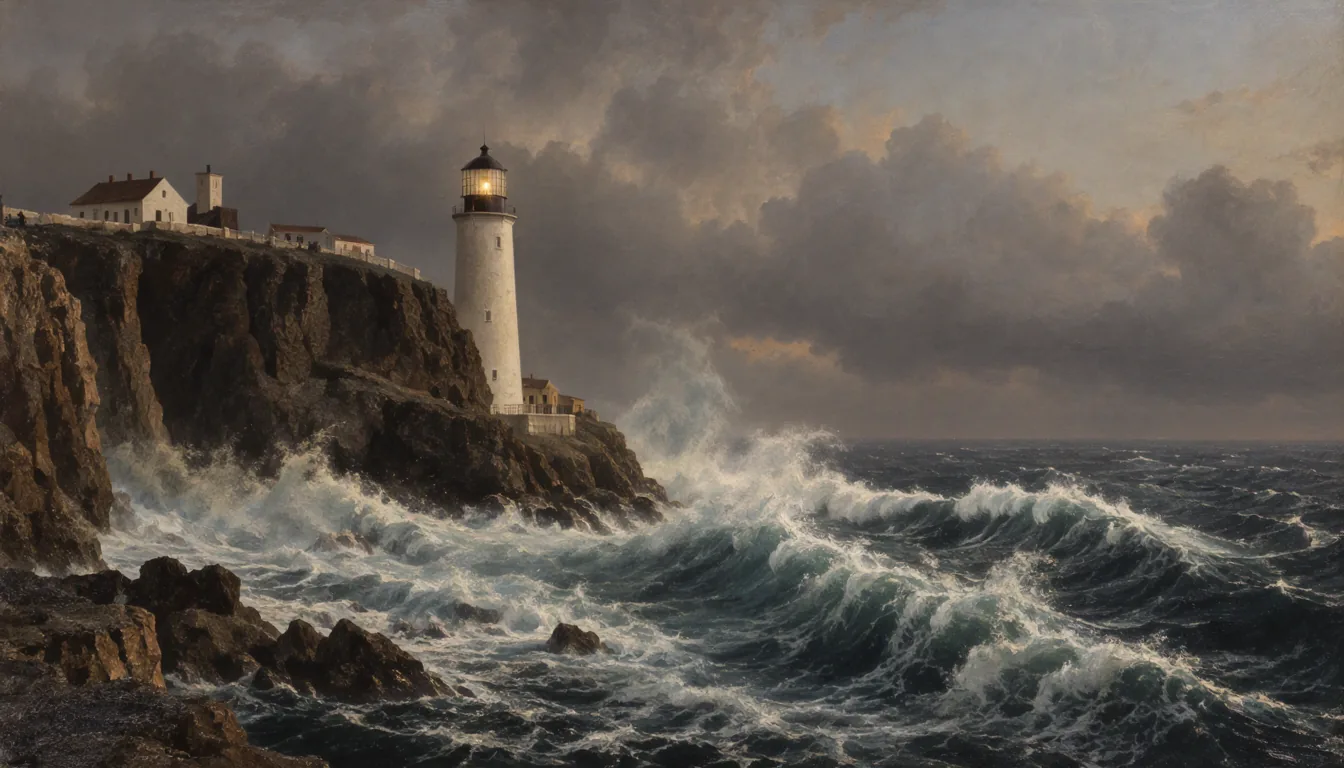
int8 ConvRot compared with bf16
Both renders use the same prompt and seed. The left one comes from the 5.4GB int8 ConvRot files, the right one from the 10.2GB bf16 builds.
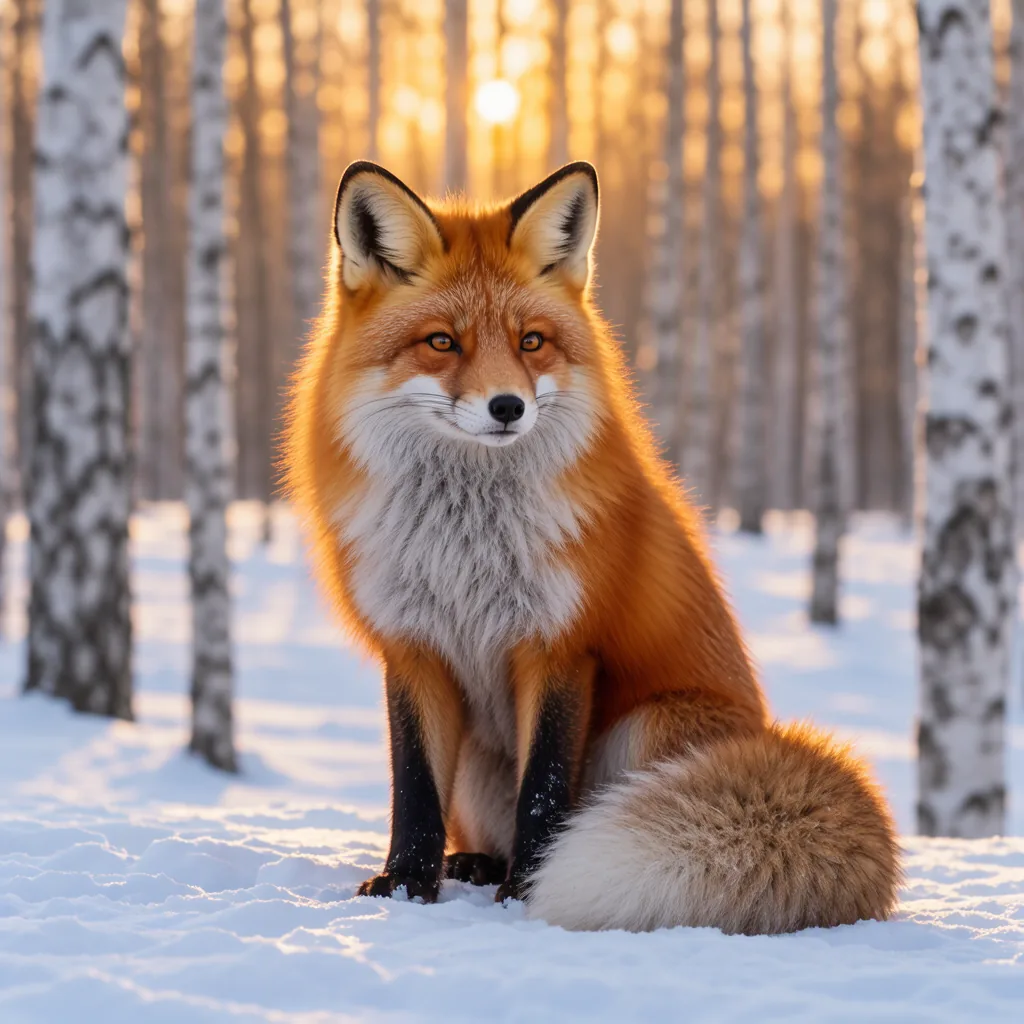
ConvRot is ComfyUI's int8 format. Each weight row is stored as int8 with its own scale, after a Hadamard rotation in groups of 256. At run time the activations get the same rotation and are quantized too, so the matrix multiply runs in int8.
OmniChar keeps those layers int8 in VRAM instead of expanding them to bf16. A LoRA is applied on top as a separate adapter, because int8 codes cannot absorb one.
| 1024² · 25 steps | Peak VRAM | Speed |
|---|---|---|
| int8 ConvRot model and encoder | 18.3GB | 1.83 s/step |
| bf16 model and encoder | 30.3GB | 1.40 s/step |
Train a MOSS-Image LoRA
The base stays int8 and frozen while the LoRA trains at full precision on top, so the 5.4GB model trains in 6.5GB at 512px.
- 01
Build a dataset
Make a dataset on the Trainer tab, give it a trigger word and add 10 to 50 captioned images.
- 02
Pick MOSS-Image and a base
In Adjust, choose MOSS-Image, then SFT int8 as the base. Leave Base precision on Auto.
- 03
Train
Wire the dataset into Train LoRA and press Start. The LoRA lands in models/loras/ when the run ends.
- 04
Generate with it
Wire a LoRA loader into the MOSS-Image node and start the prompt with the trigger word.
| Base | File | Notes |
|---|---|---|
| SFT, int8 | moss_image_sft_int8_convrot | Recommended. The build the node generates with. |
| SFT, bf16 | moss_image_sft_bf16 | Full precision, or stored int8 as it loads. |
| Base, int8 | moss_image_base_int8_convrot | The pretrain, before instruction tuning. |
| Base, bf16 | moss_image_base_bf16 | Full precision, or stored int8 as it loads. |
VRAM per training step
Rank 16, batch 1, the peak of one step from torch.cuda.max_memory_allocated. Before training starts, captions are encoded with Qwen3.5-9B, which peaks at 10GB with the int8 encoder and then frees it. That pass peaks higher than any 512px training step, so 12GB is the smallest card.
| Resolution | int8 base | bf16 base | int8 step |
|---|---|---|---|
| 512px | 6.5GB | 11.0GB | 0.84 s |
| 768px | 7.3GB | 11.8GB | 1.73 s |
| 1024px | 8.5GB | 12.8GB | 3.32 s |
Test run: a duotone style LoRA
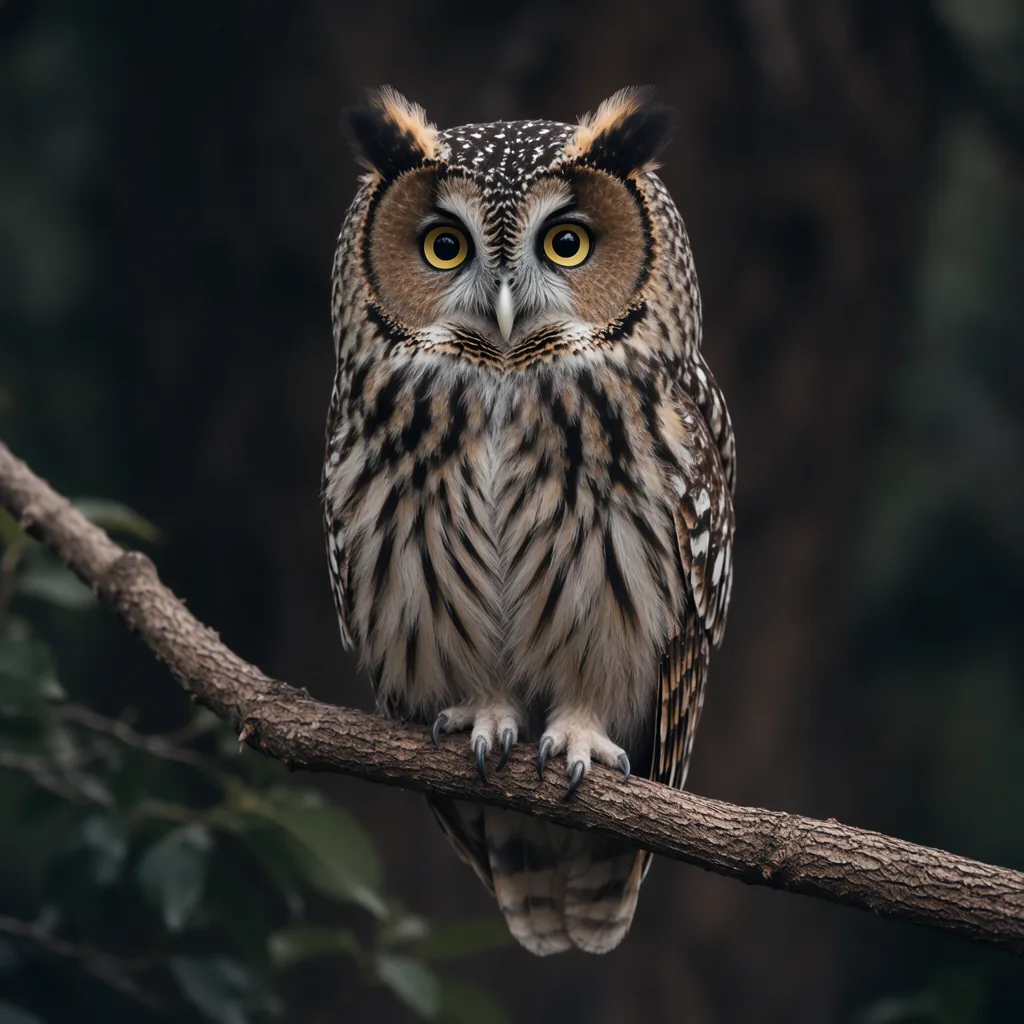
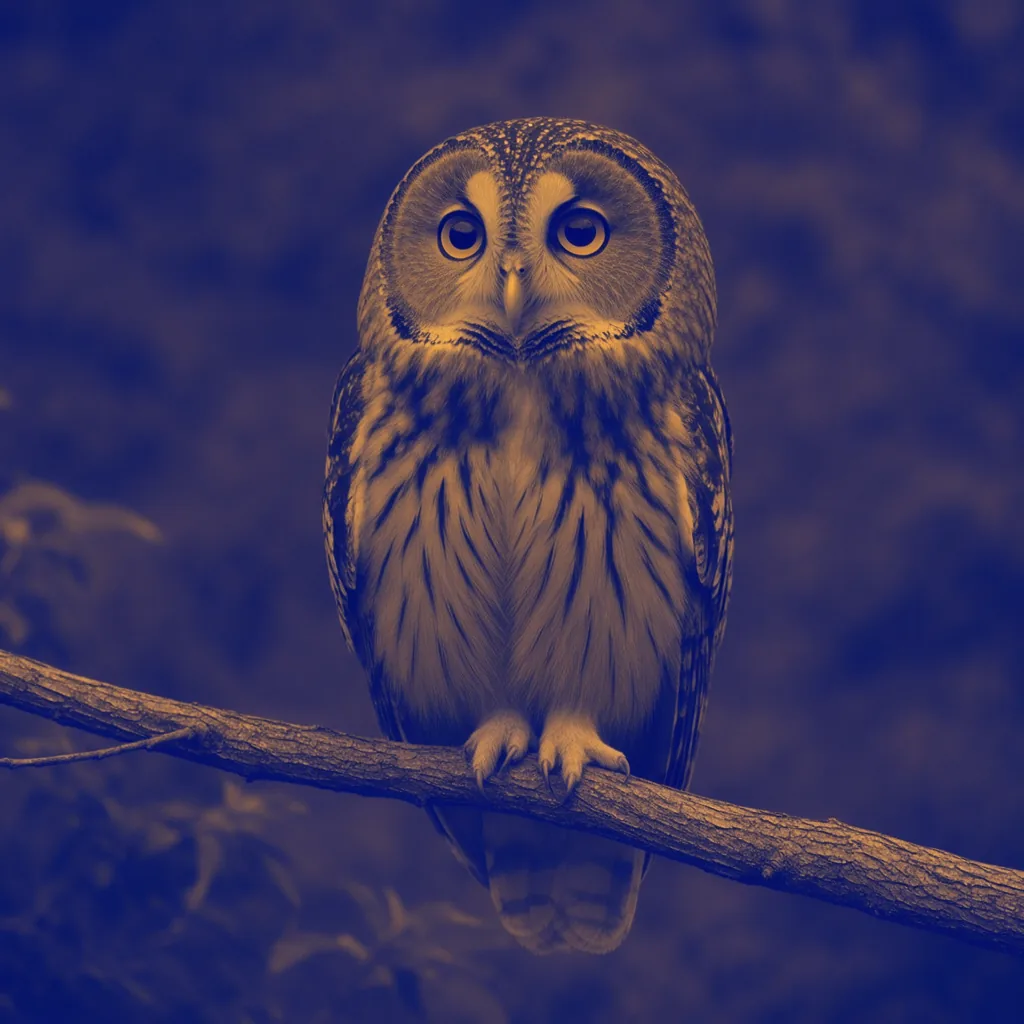
Twelve MOSS-Image renders, recoloured into a blue and orange duotone and captioned zxq duotone, …, trained on the SFT int8 base. Then an owl, which is in none of them, at twice the training resolution.
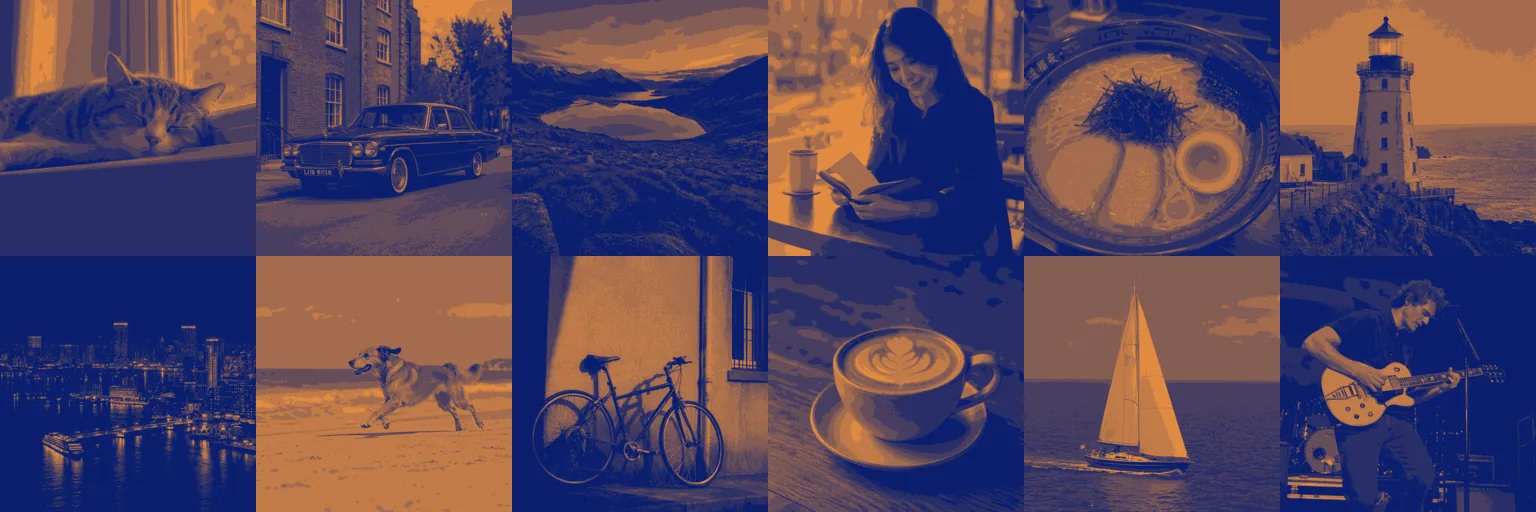
- Dataset
- 12 images
- Steps
- 400
- Rank / alpha
- 16 / 16
- Learning rate
- 2e-4
- Resolution
- 512px
- Start to file
- 7 minutes
Training lin, a character, on MOSS-Image
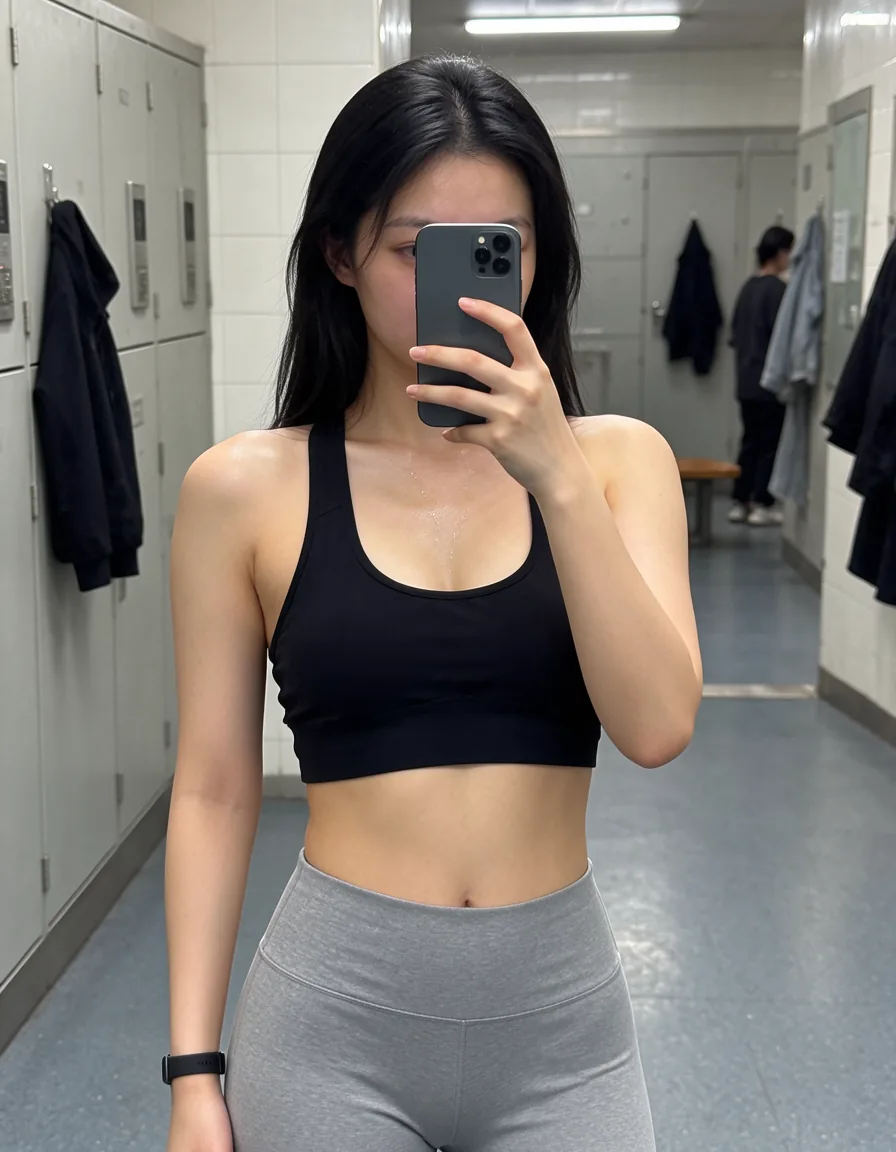
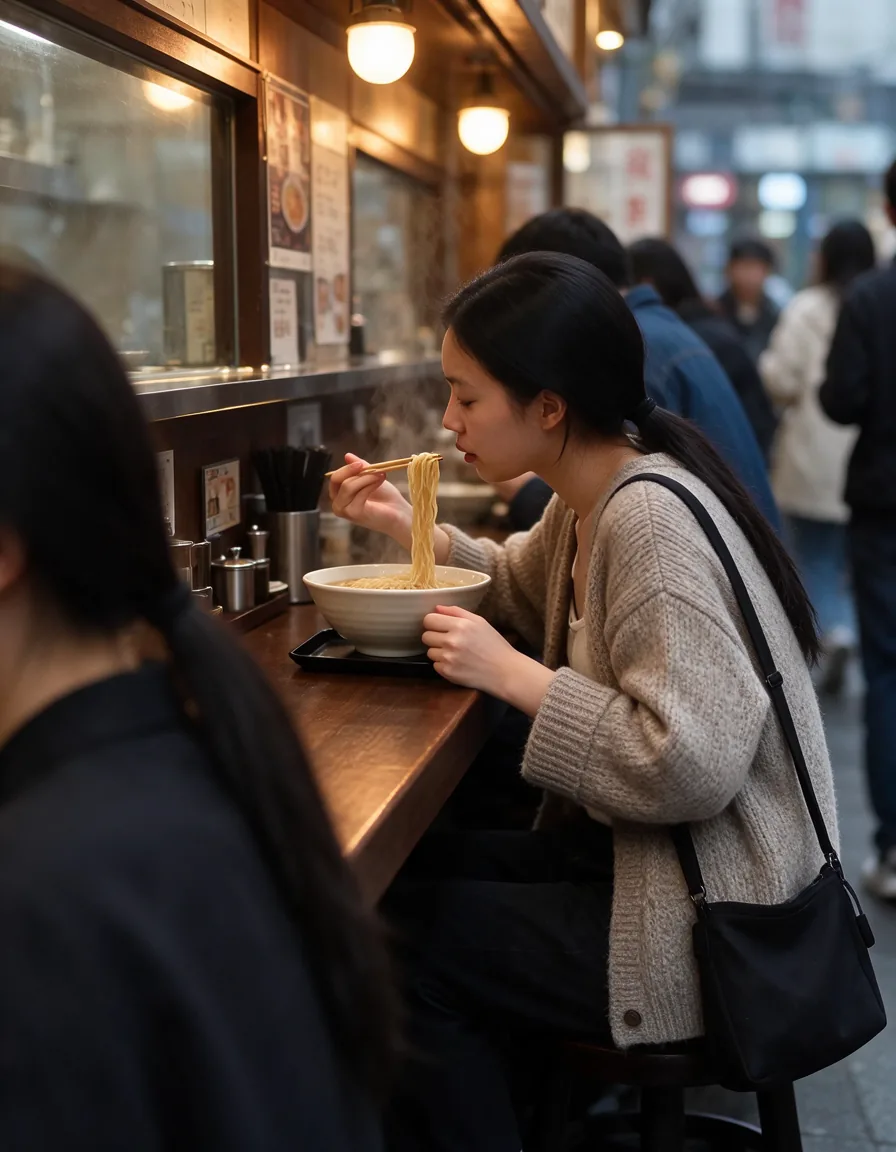
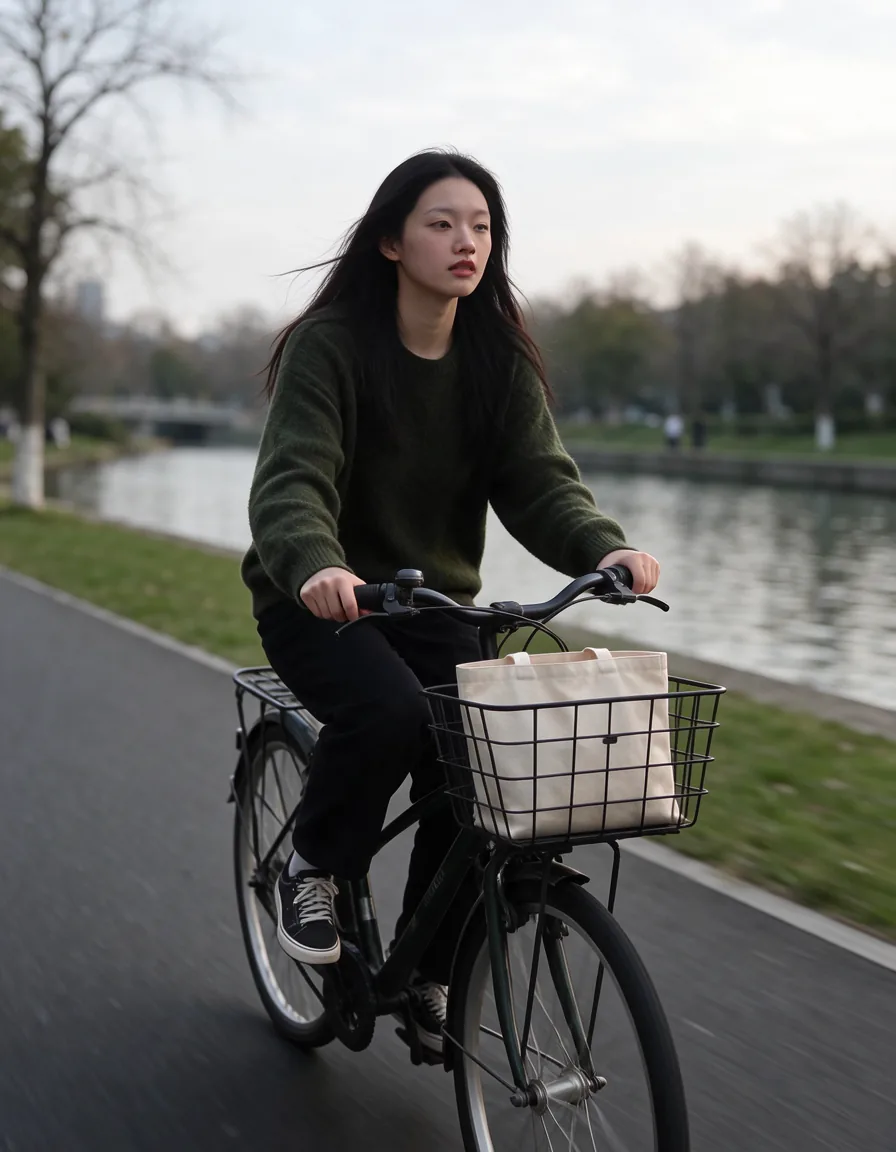
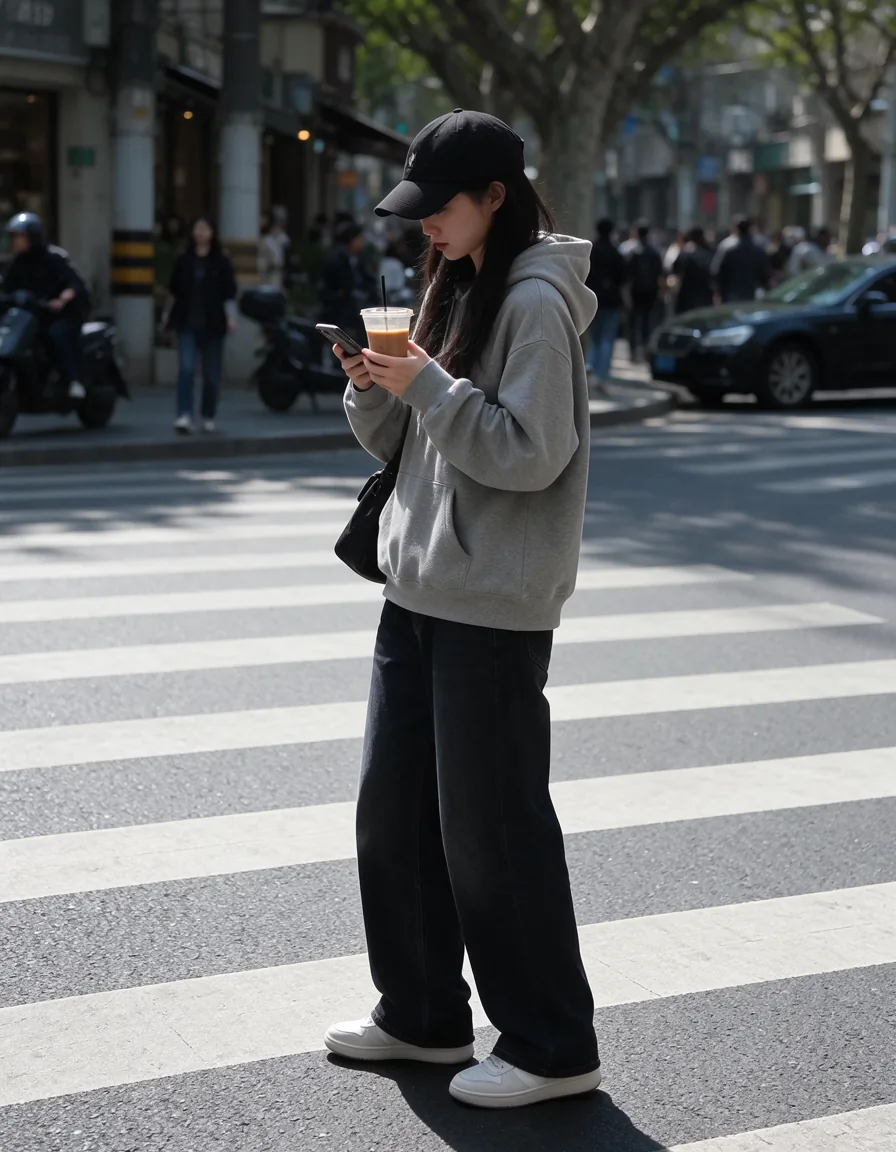
Ten captioned photos, each starting with lin, photo of linchar woman, trained for 1500 steps at 1024px on the SFT int8 base. These eight renders use the trained LoRA at strength 1.0, 896×1152, 30 steps, CFG 3.




- Training photos
- 10
- Steps
- 1500
- Resolution
- 1024px
- Rank / alpha
- 16 / 16
- Learning rate
- 1e-4
- Start to file
- 88 minutes
Community LoRAs and characters
LoRAs from other tools load too
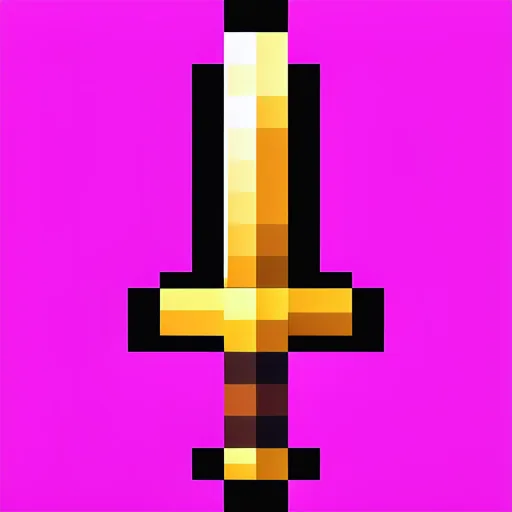
A LoRA trained elsewhere loads when it uses MOSS-Image's own layer names, and OmniChar writes the same names. The pixel-art LoRA Angais/MOSS-Image-PixelArt-16x16 drew this sword on the int8 model.
Characters by adapter
MOSS-Image cannot read reference photos, so a character applies as a LoRA trained on MOSS-Image and filed in its .char. The node adds the character's description to the prompt, and refuses a character with no MOSS-Image adapter rather than drawing a stranger.
Current limits
- Training needs an Ampere or newer GPU. fp16 overflows this model, so a T4 is refused before captions encode. Generation still runs on those cards, in fp32.
- There is no 4-bit training. The model reads its compute precision off its weights, and 4-bit weights would have it compute in bytes. int8 ConvRot takes its place.
- MOSS-Image has no image input, so it cannot read a character's reference photos. A character applies through a LoRA trained on MOSS-Image.
- Loading the int8 text encoder peaks at 16.5GB of system RAM, because the file is read whole to convert it. Plan on 24GB of RAM for training.
- The qwen3.5_9b_w4a8_gptq encoder from ComfyUI's templates needs ComfyUI's own kernels, and does not load.
- A bf16 model stored as int8 at load is converted on every load, about 77 seconds against 3 for the int8 file.
Questions
What is MOSS-Image?
MOSS-Image is a 5B single-stream diffusion transformer from OpenMOSS, with Qwen3.5-9B as its text encoder and a FLUX.2 VAE. Its weights and code are Apache-2.0. OmniChar runs it locally and trains LoRAs for it.
How much VRAM does MOSS-Image need?
Generating at 1024 by 1024 with the int8 ConvRot model and encoder peaked at 18.3GB in OmniChar, measured on an RTX PRO 4500. The bf16 builds peaked at 30.3GB. Training a LoRA on the int8 base takes 6.5GB at 512px, plus a 10GB caption pass before it, so a 12GB card is the floor. Loading the int8 encoder peaks at 16.5GB of system RAM.
What is int8 ConvRot?
ComfyUI's int8 format. Each weight row is stored as int8 with its own scale, after a Hadamard rotation in groups of 256 that spreads outliers out. At run time the activations get the same rotation and are quantized too, and the matrix multiply runs in int8. OmniChar loads these files as they are and keeps them int8 in VRAM.
Can I train a MOSS-Image LoRA on the int8 model?
Yes. OmniChar trains through the int8 ConvRot file as stored: the base stays int8 and frozen, and the LoRA trains at full precision on top. A 12-image style LoRA trained in 7 minutes at 512px this way.
Do MOSS-Image LoRAs from other tools load in OmniChar?
Yes, when they use the model's own layer names. The community pixel-art LoRA Angais/MOSS-Image-PixelArt-16x16 loads on both the int8 and bf16 builds. LoRAs OmniChar trains use the same names.
Does MOSS-Image work with OmniChar characters?
Yes, through a trained adapter. MOSS-Image has no image input, so a character applies as a LoRA trained on MOSS-Image and stored in its .char file. A character with no MOSS-Image adapter is refused with a message rather than rendered as a stranger.