Multi character image generation via Flux Klein
Add more than one character in image generation
- flux
- training
- character
- klein
5 views · 1 downloads · 0 shares
About this workflow
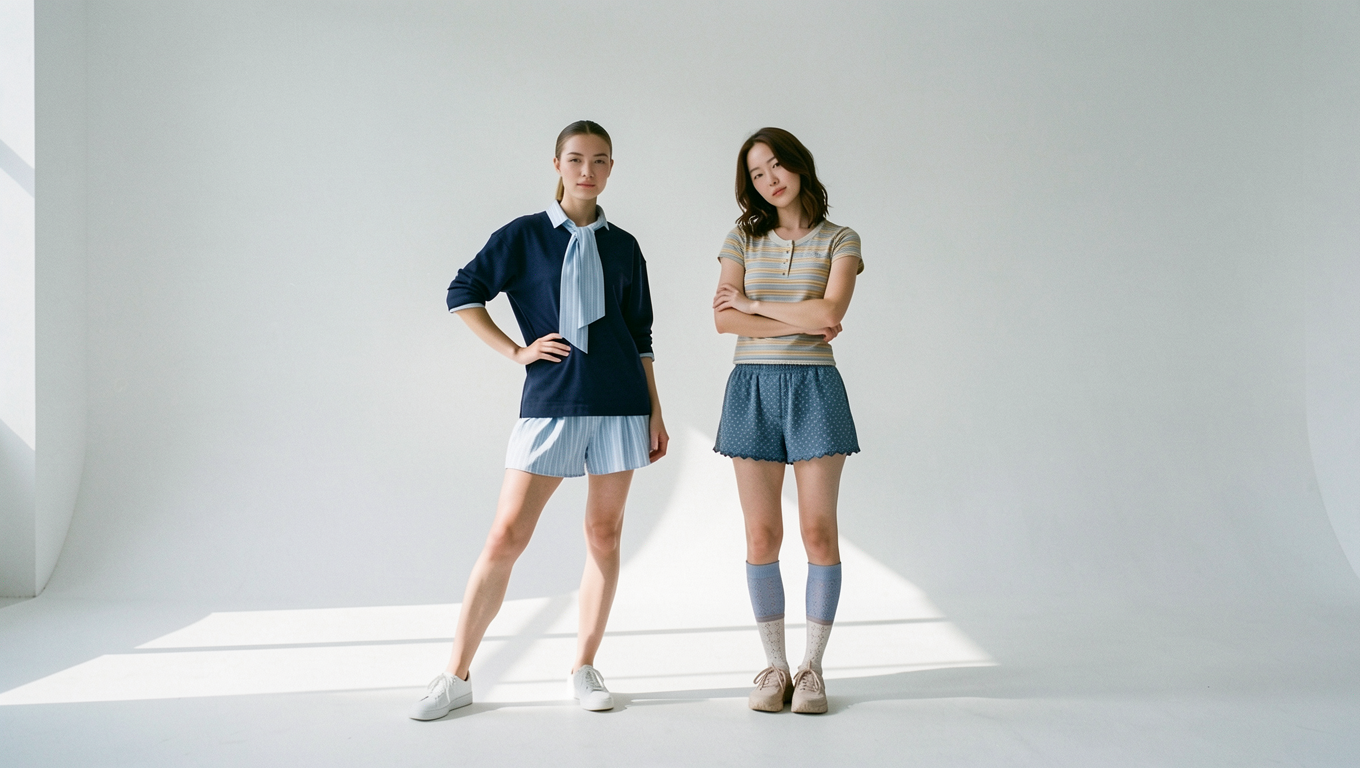
This workflow demonstrates, how to use multi .char consistent characters for image generation with Flux Klein.
Requirements
- Nvidia GPU: 32 GB
- Omnichar Studio installed(Installation guide on Github)
- or Try on cloud without GPU
Steps
This is a step by step guide to run this workflow.
Step 1: Setup Omnichar Studio
- Visit installation instruction on our Github readme to setup Inline Studio on local machine with your own GPU.
- No GPU? Launch Studio
Step 2: Download workflow
You can download this workflow from the download icon next to title. Click on it & the json file will be saved to your local machine.
Step 3: Drop the workflow
- Open Inline Studio canvas, create a new project or use an existing project
- Drag & drop the saved workflow into the canvas
Step 4: Install models
As soon as you dropped the workflow, missing model popup will guide you through model download.
Models required: attached
Step 5: Load inputs
This workflow only requires two .char via Load character node, You can download sia.char & aron.char from huggingface. You can also build your own character with encode character workflow
Step 6: Run Workflow
Run workflow with a prompt.
Links:
As of now .char is only supported with Flux node. For any issue or support, reach me out on Discord.