Encode character with consistent face & cloths: Flux Klein & Minimax
Create a .char for a consistent character for both MinimaxH3 & Flux Klein models
- flux
- minimax
- character
- encode
26 views · 2 downloads · 0 shares
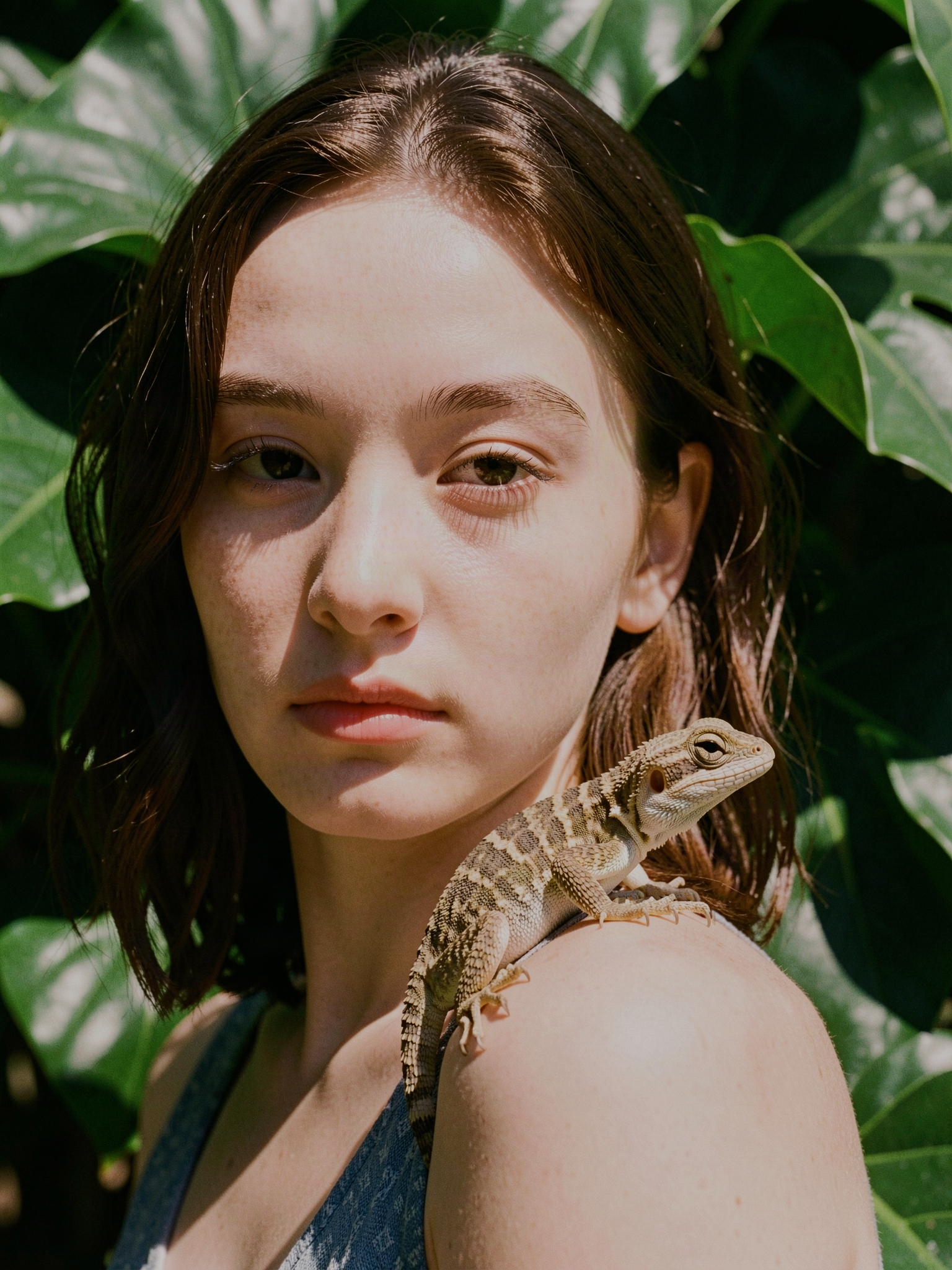
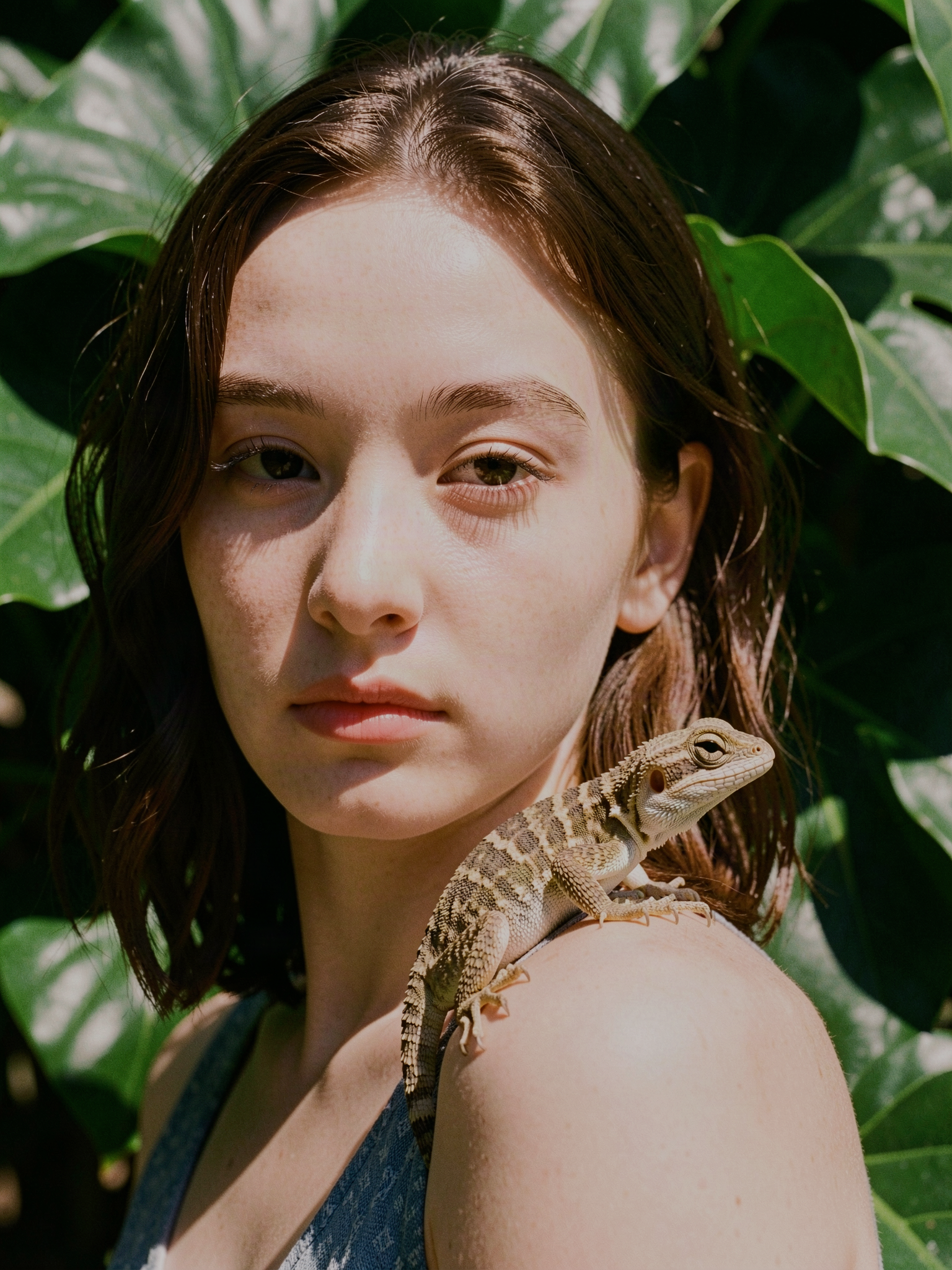
Inputs
OmniChar can download these into your project on import, or you can wire up your own files instead.
About this workflow
This workflow demonstrates, how to create a .char consistent character that works for both image(flux klein) & video via Minimax H3
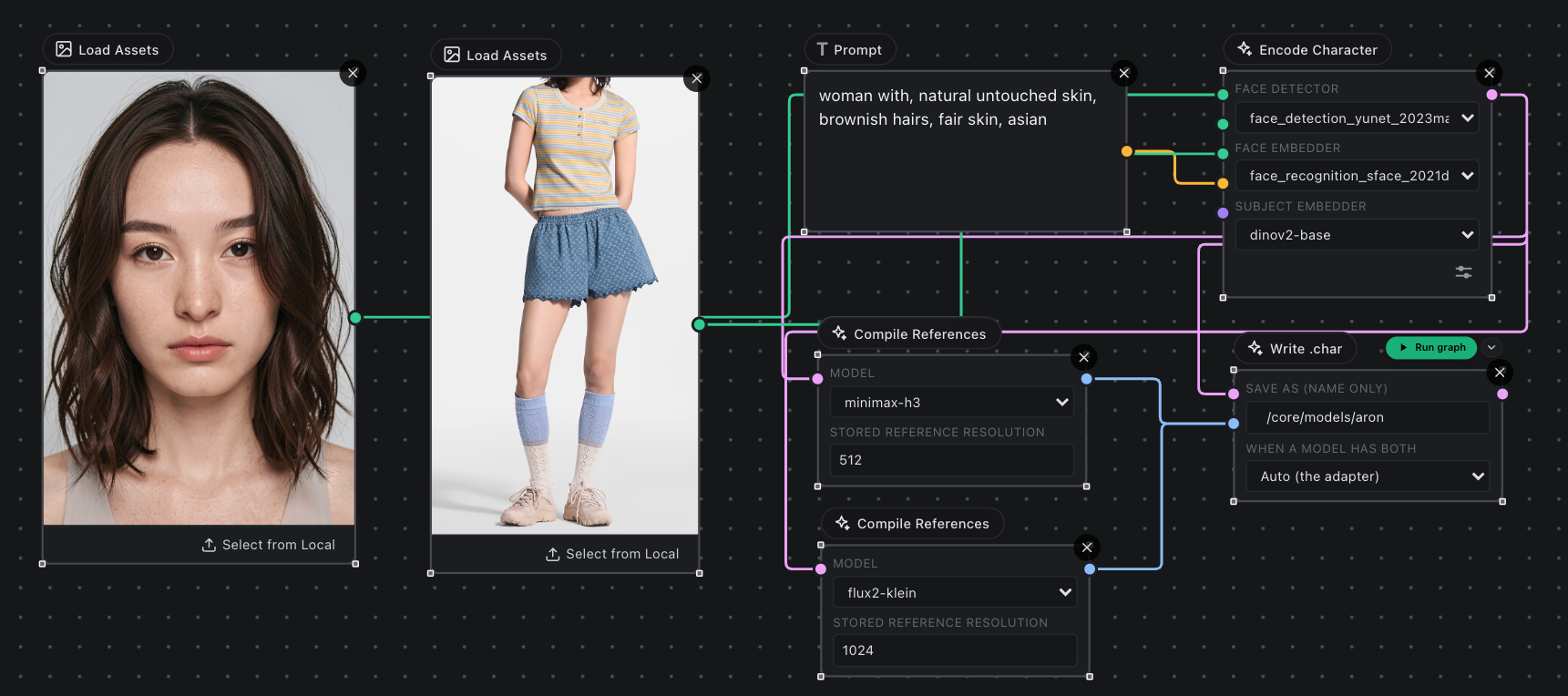
Requirements
- Nvidia GPU: No VRAM(Works on CPU)
- Omnichar Studio installed(Installation guide on Github)
- or Try on cloud without GPU
Steps
This is a step by step guide to run this workflow.
Step 1: Setup Omnichar Studio
- Visit installation instruction on our Github readme to setup Inline Studio on local machine with your own GPU.
- No GPU? Launch Studio
Step 2: Download workflow
You can download this workflow from the download icon next to title. Click on it & the json file will be saved to your local machine.
Step 3: Drop the workflow
- Open Inline Studio canvas, create a new project or use an existing project
- Drag & drop the saved workflow into the canvas
Step 4: Install models
As soon as you dropped the workflow, missing model popup will guide you through model download.
Models required:
core/models/
  annotators/        face_detection_yunet_2023mar.onnx
  annotators/        face_recognition_sface_2021dec.onnx
  annotators/        dinov2-base/                               <-- folder
Step 5: Load inputs
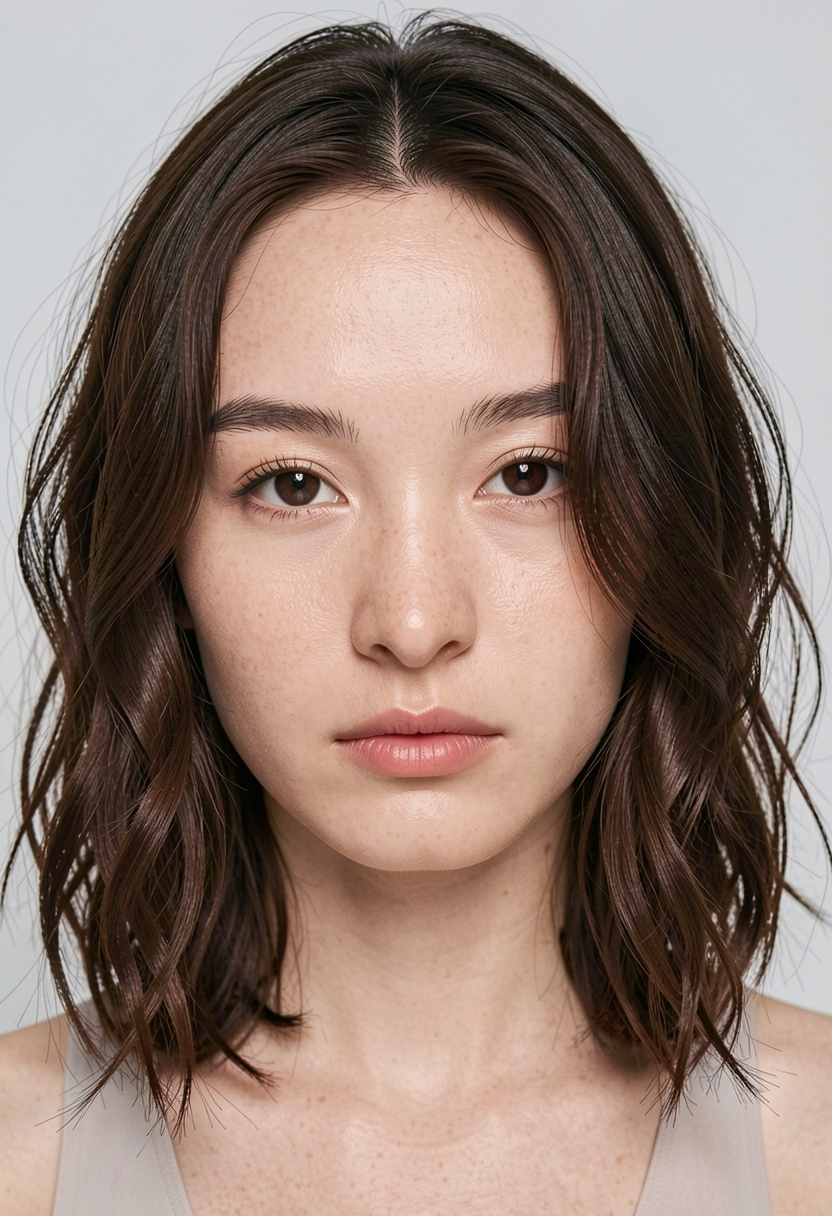
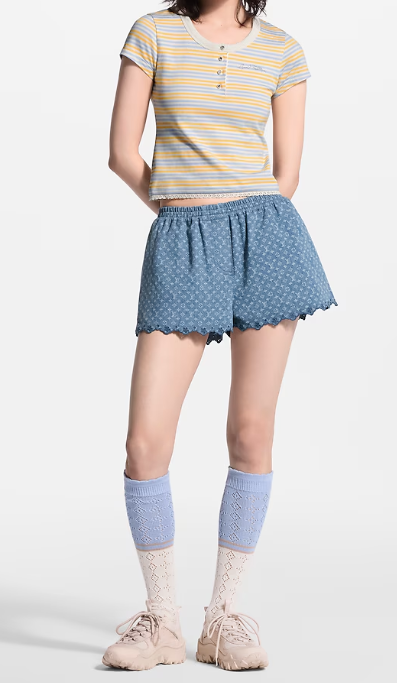
Download all inputs in this given workflow, there are different assets loader for face, cloth & body.
- face
- cloths
- body(optional)
Step 6: Run Workflow
Run the workflow, make sure to update the hidden character name in encode character node, unless it will continue to use aron across your generations.
Step 6: Reuse .char without rebuilding(Optional)
Most of the workflow part is responsible for building char model but you might not need to build model on each run.
If you just want to generate using same generated .char, Setup a new separate generation graph:
Load Character Node -> Flux Generation Node
References
- Multichar workflow for MinimaxH3
- Multichar workflow for Flux
- Run multichar on cloud
As of now .char is only supported with Flux node. For any issue or support, reach me out on Discord.